Working directly on a laptop placed flat on your desk can quickly lead to poor posture and neck strain. Since laptop screens sit much lower than eye level, many people end up leaning forward or hunching their shoulders during long work sessions.
A laptop stand for desk setup solves this problem by elevating the screen to a more comfortable viewing height. This simple upgrade can significantly improve desk ergonomics, reduce neck tension, and make long work sessions much more comfortable.
Laptop stands also improve airflow around your device, helping prevent overheating during long workdays.
In this guide, we’ll look at the best laptop stands for desk setups that can improve posture, comfort, and productivity.
Using the best laptop stand for desk setup can significantly improve posture and reduce strain during long work sessions.
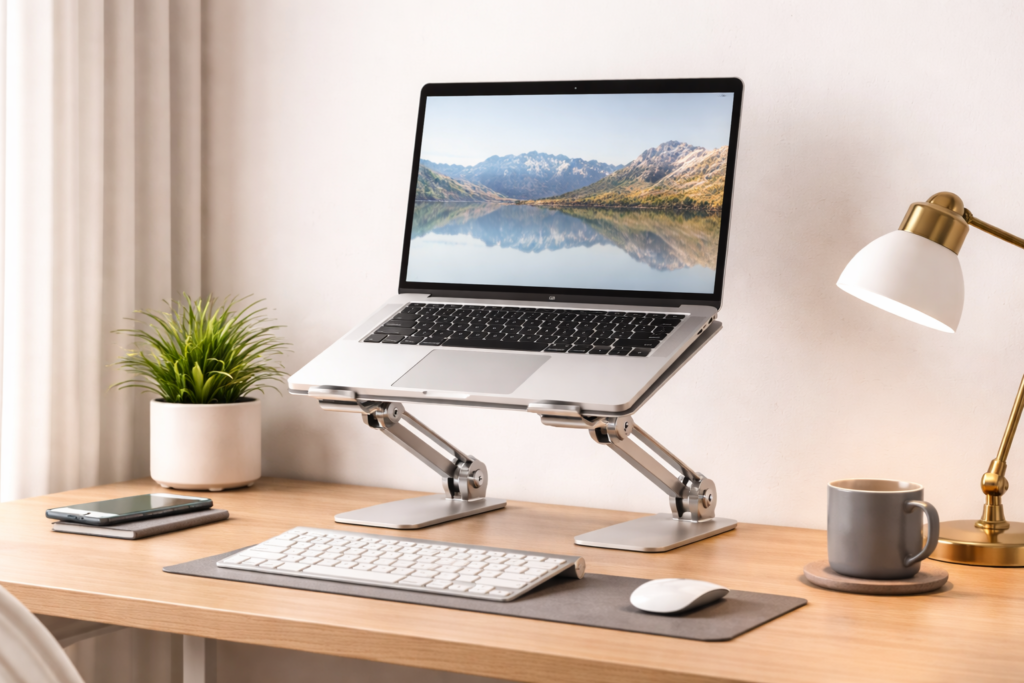
Why a Laptop Stand Improves Desk Ergonomics
Proper screen positioning helps reduce strain and improve comfort during long work sessions.
When your laptop sits directly on your desk, the screen is usually too low for comfortable viewing. This forces you to tilt your head downward, which can create neck and shoulder strain over time.
Using a laptop stand raises the screen closer to eye level, encouraging better posture and reducing physical strain during long work sessions.
Laptop stands are often used together with other ergonomic accessories to create a healthier workspace. For example, many people pair a laptop stand with a monitor arm when using external displays. If you’re considering upgrading your monitor position as well, check out our guide on Best Monitor Arm for Desk Setup.
Another helpful ergonomic accessory is a foot rest, which can improve leg positioning and circulation while sitting. You can learn more about this in our article on Best Foot Rest for Under Desk.
Lighting also plays an important role in desk ergonomics. A good monitor light bar can reduce eye strain when working late or in low-light environments. If you want to improve your desk lighting, take a look at Best Monitor Light Bar for Desk Setup.
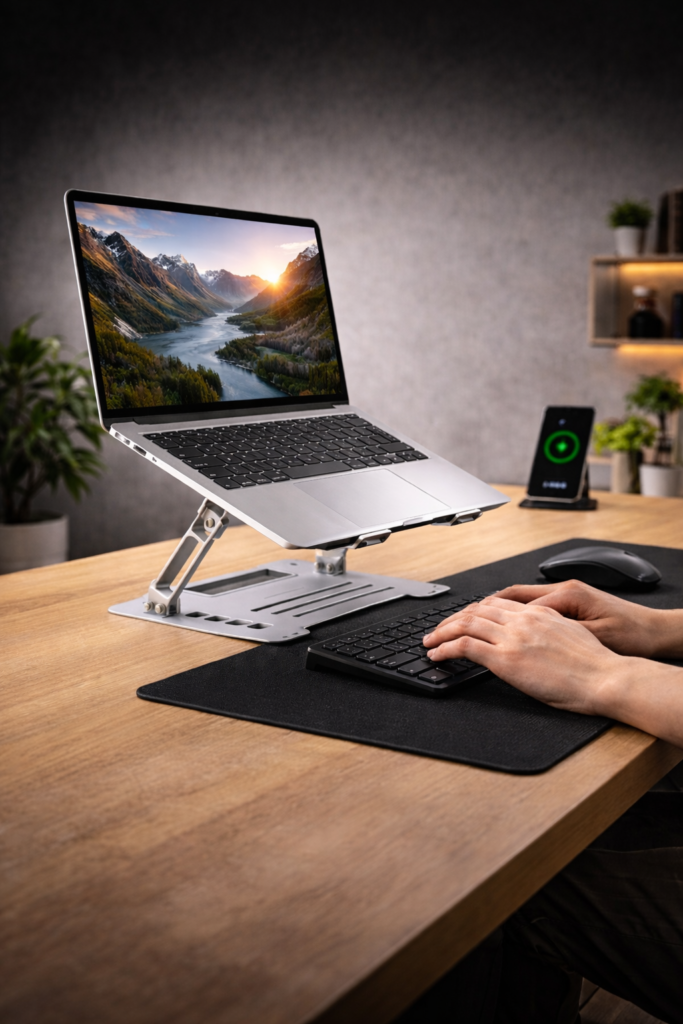
Best Laptop Stand for Desk Setup
Choosing the best laptop stand for desk setup can make a significant difference in both comfort and productivity.
1. Nulaxy Adjustable Laptop Stand
The Nulaxy adjustable laptop stand is a popular ergonomic option designed to improve laptop positioning and airflow. Its aluminum construction provides excellent durability while allowing users to adjust both height and angle for maximum comfort.
Key Features
- Adjustable height and angle
- Durable aluminum construction
- Open design for improved cooling
- Compatible with most laptops
2. Amazon Basics Aluminum Laptop Stand
The Amazon Basics laptop stand offers a simple and sturdy design that raises your laptop to a comfortable viewing height. Its minimalist aluminum structure fits well in modern desk setups while helping keep laptops cool.
Key Features
- Sturdy aluminum frame
- Ergonomic screen height
- Anti-slip rubber pads
- Clean minimalist design
3. Lamicall Adjustable Laptop Stand
The Lamicall laptop stand provides excellent flexibility thanks to its adjustable design. It allows users to customize screen height and angle while maintaining stability during everyday use.
Key Features
- Adjustable ergonomic design
- Foldable and portable
- Strong aluminum frame
- Silicone pads for stability
4. Rain Design mStand Laptop Stand
The Rain Design mStand is a premium aluminum stand known for its sleek design and ergonomic height. It raises your laptop to eye level and includes a cable management hole to help keep your desk tidy.
Key Features
- Premium aluminum construction
- Ergonomic screen elevation
- Cable management opening
- Elegant minimalist design
5. OMOTON Laptop Stand
The OMOTON laptop stand is a compact yet sturdy option designed to improve posture while saving desk space. Its ventilated design helps with cooling during long work sessions.
Key Features
- Stable metal construction
- Ventilated cooling design
- Anti-slip silicone pads
- Compact footprint
A laptop stand is one of the easiest upgrades you can make to improve your desk ergonomics. By raising your laptop screen to a more comfortable height, it helps reduce neck strain and encourages better posture during long work sessions.
Combined with other ergonomic accessories like monitor arms, foot rests, and monitor light bars, a laptop stand can significantly improve the comfort and productivity of your workspace.
If you are building a more organized workspace overall, you might also want to check out our guide on Best Desk Accessories for Productivity, which covers useful tools that can further improve your desk setup.
If you’re working with limited space, you can also explore our Small Desk Setup Ideas guide.
Frequently Asked Questions
Is a laptop stand really necessary?
The best laptop stand for desk setup is not essential, but it greatly improves posture and reduces neck strain.
Are adjustable laptop stands better?
Yes. Adjustable stands allow you to customize height and angle for better ergonomic support.
Do laptop stands help with cooling?
Yes. Most laptop stands improve airflow and help prevent overheating.
Can I use a laptop stand with an external keyboard?
Yes. This setup provides better ergonomics and improves comfort during long work sessions.
This article may contain affiliate links.
If you purchase through these links we may earn a small commission at no extra cost to you.