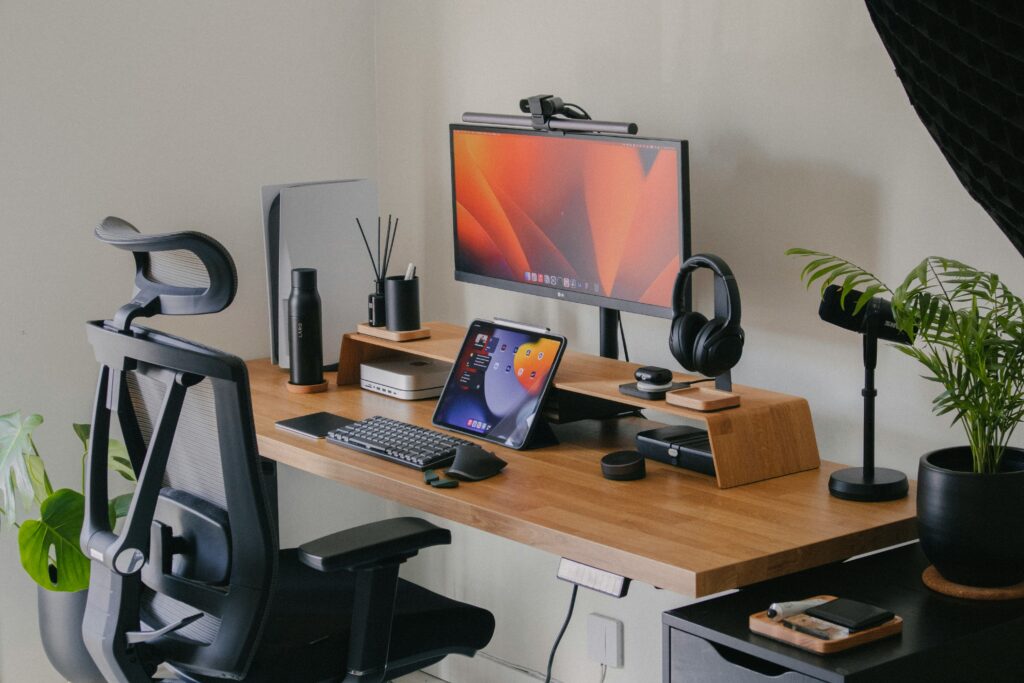
Standing desk cable management is essential if you want a clean, organized, and professional workspace.
Standing desks are great for productivity and health, but they introduce a common problem: cable management. As the desk moves up and down, cables from monitors, laptops, and accessories need to adjust with it. Without proper organization, they can quickly become tangled, stretched, or even damaged over time.
A well-managed setup not only looks cleaner but also prevents unnecessary wear on your cables and improves overall functionality.
Proper cable management is also recommended in workplace safety guidelines to reduce hazards and improve efficiency.
In this guide, you’ll discover the best cable management solutions for standing desks to keep your workspace clean, safe, and efficient.
Why Cable Management for Standing Desks Is Important
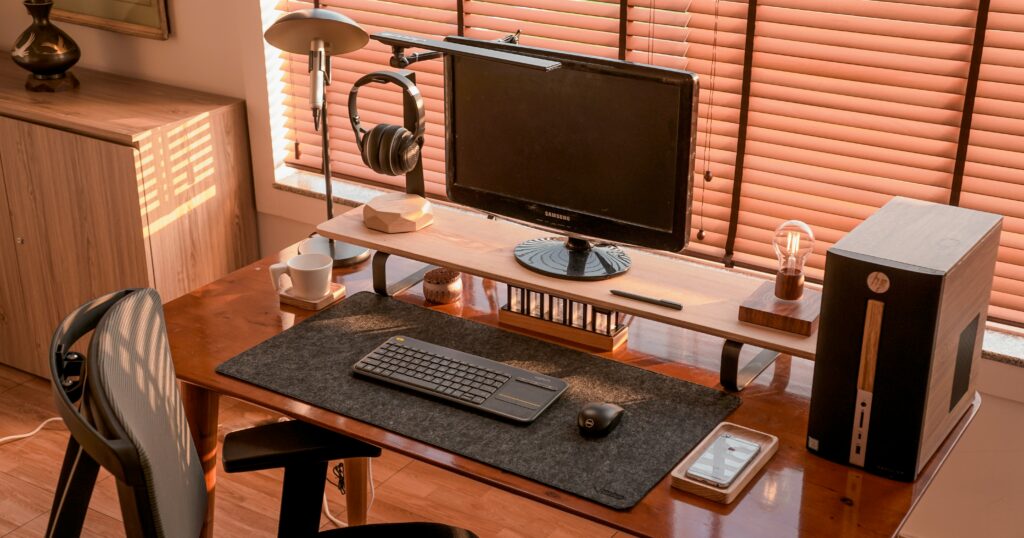
Cable management is even more important when using a standing desk. Unlike traditional desks, standing desks move up and down throughout the day, which means cables need to adapt to that movement.
If cables are not properly managed, they can easily stretch or become tangled when the desk changes height. Over time, this can damage charging cables, monitor cables, or power connections, which may affect your devices.
A messy cable setup also makes your desk look chaotic. Even if you have a beautiful workspace, visible cables can ruin the clean and minimal aesthetic that many people aim for in their desk setups.
Finally, good cable management improves productivity. When everything is organized, it becomes easier to clean your desk, adjust equipment, and maintain a comfortable working environment.
7 Best Cable Management Solutions for Standing Desks
1. Under Desk Cable Tray
An under desk cable tray is one of the most effective solutions.
Check our Best Cable Tray for Desk Setup guide.
This tray attaches to the bottom of the desk and keeps cables, power strips, and adapters hidden from view.
It also allows cables to move with the desk when adjusting the height, preventing them from getting tangled or pulled.
This is especially useful for standing desks, where cables need to move freely without getting damaged.
2. Cable Sleeves
Cable sleeves are simple tubes that group multiple cables together into a single bundle.
Check our Best Cable Sleeves for Desk Setup guide.
They are especially useful for standing desks because they allow cables to move smoothly when the desk changes position.
3. Adhesive Cable Clips
Adhesive cable clips attach to the edge or underside of your desk and guide cables along a clean path.
Check our Best Cable Clips for Desk guide.
They are great for keeping frequently used cables—like phone chargers or headphone cables—within reach while preventing them from falling behind the desk.
4. Cable Management Box
A cable management box hides power strips and extra cables.
Check our Best Cable Box for Desk Setup guide.
This keeps your desk area looking clean and prevents cables from becoming tangled around your feet or desk legs.
5. Velcro Cable Ties
Velcro cable ties are one of the easiest and most flexible cable management tools.
They allow you to bundle cables neatly and adjust them whenever needed, making them ideal for standing desks.
They are also reusable, making them a flexible solution for evolving desk setups.
6. Mountable Power Strip
Instead of leaving your power strip on the floor, mounting it under the desk keeps cables organized and accessible.
This setup works especially well for standing desks because all power connections move together with the desk.
7. Cable Raceway
A cable raceway is a small channel that hides cables along the wall or the back of your desk.
This solution works well if your desk is placed against a wall and you want to completely hide cables running to power outlets.
Tips for Cable Management on Standing Desks
- Leave extra cable slack for movement
- Use cable sleeves to group wires
- Mount power strips under the desk
- Avoid letting cables hang freely
- Keep cables away from moving parts
These simple tools help create a cleaner workspace while preventing cable damage when adjusting desk height.
A clean desk setup starts with proper cable management. With the right tools and a few simple adjustments, even a standing desk can stay organized and clutter-free.
By organizing your cables properly, you protect your equipment, improve the look of your workspace, and create a more productive environment.
If you want a clean and professional setup, cable management is one of the easiest upgrades you can make.
Start with simple tools like cable trays or sleeves and gradually improve your setup over time.
Frequently Asked Questions
How do you manage cables on a standing desk?
Use cable trays, cable sleeves and adhesive clips to organize cables while leaving enough slack for the desk to move up and down safely.
What is the best cable management solution?
Under-desk cable trays are one of the best solutions because they keep cables hidden and allow them to move with the desk.
Do standing desks need special cable management?
Yes, because the desk moves up and down. Flexible cable management solutions are necessary to prevent damage and keep cables organized.
Disclosure: This article may contain affiliate links.
If you purchase through these links we may earn a small commission at no extra cost to you.